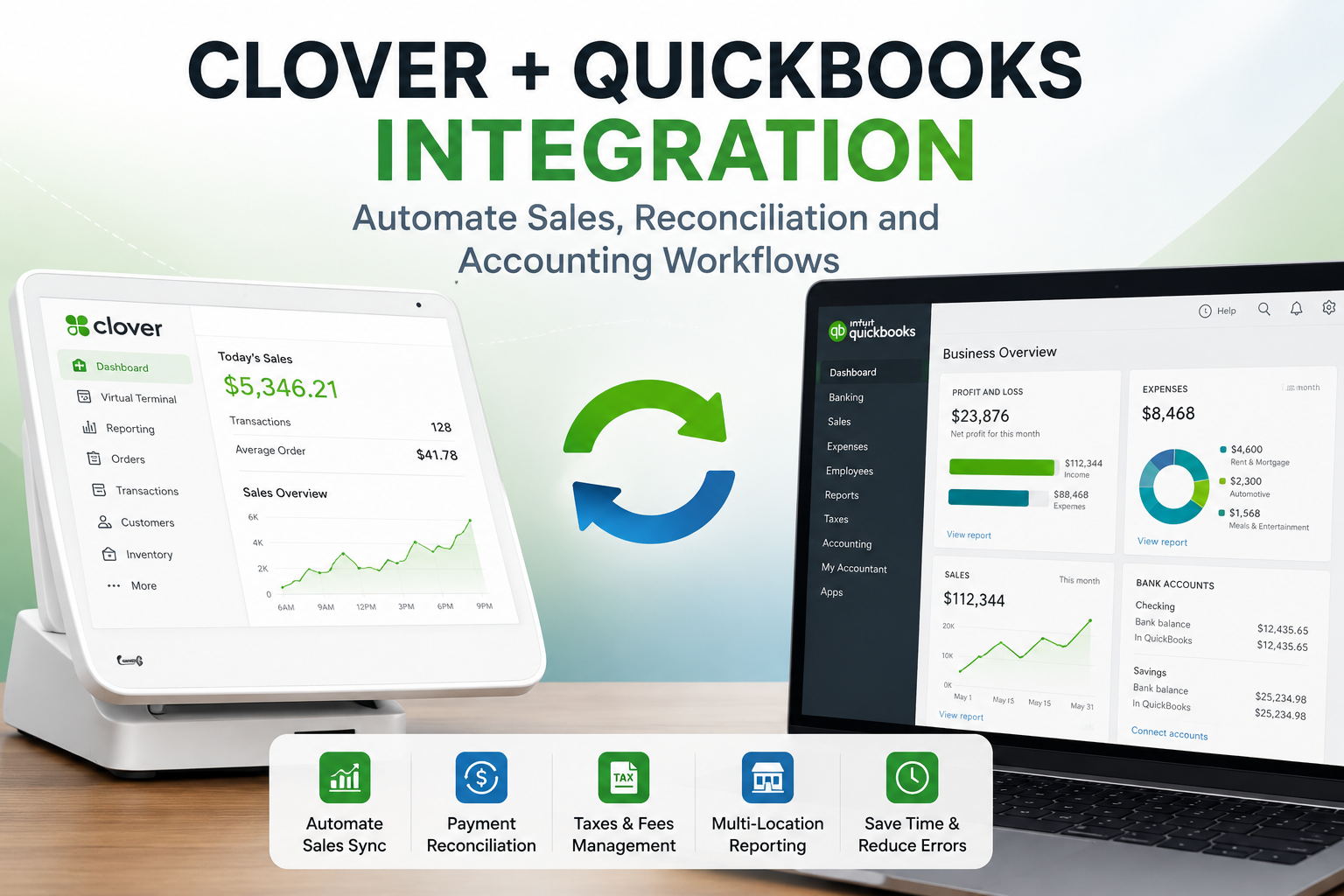
Managing sales, refunds, taxes, payment methods, and daily accounting reports can become time-consuming as a business grows. The challenge becomes even greater when a company operates multiple stores, handles a high volume of daily transactions, or relies on manual spreadsheets to transfer data between its POS system and accounting software.
A Clover QuickBooks integration can simplify this process. By connecting Clover POS with your accounting workflows, your business can reduce repetitive manual work, improve reporting accuracy, and give the finance team a clearer view of daily operations.
Instead of exporting data manually and entering it into accounting records line by line, a custom integration can automatically organize and transfer the required information according to your business rules.
What Is a Clover QuickBooks Integration?
A Clover QuickBooks integration connects your Clover POS data with QuickBooks or a related accounting workflow.
The purpose is not merely to copy transaction data from one platform to another. A properly designed integration should organize sales, payments, refunds, taxes, fees, and store-level information in a way that matches your bookkeeping process.
For example, a small retail store may need a daily sales summary divided by payment type. A restaurant chain may require separate reports for card payments, cash payments, tips, taxes, refunds, and location-wise revenue. A franchise may need a central dashboard with individual reporting for every store.
The right integration depends on how your business operates and how your accounting team wants to review the information.
Why Integrate Clover With QuickBooks?
Without an integration, staff members often need to collect sales data manually, compare deposits, review refunds, calculate taxes, and enter financial records into spreadsheets or accounting software.
This approach may work for a small number of transactions, but it becomes difficult to manage as transaction volume increases.
A Clover and QuickBooks integration can help businesses:
- Automate daily sales synchronization
- Reduce repetitive data entry
- Improve payment reconciliation
- Track refunds and adjustments
- Organize tax and fee information
- Review revenue by store or location
- Generate scheduled accounting summaries
- Identify failed synchronization attempts
- Reduce the risk of human error
- Save time during monthly bookkeeping and reporting
The main goal is to build a reliable accounting workflow that reduces administrative effort and gives decision-makers more accurate financial visibility.
What Clover Data Can Be Included?
A custom Clover QuickBooks integration can be designed around the data that matters most to your business.
Depending on your setup and reporting requirements, the integration may include:
Sales Data
The system can organize sales totals by day, week, month, store, department, or other reporting periods.
This gives business owners and finance teams a clearer view of revenue performance without manually reviewing separate POS reports.
Payment Methods
A business may receive payments through different methods, including cards, cash, alternate tenders, and other supported payment workflows.
The integration can separate payments by type and help your finance team reconcile sales records with deposits.
Refunds and Adjustments
Refunds, voids, cancellations, and manual adjustments can affect accounting accuracy if they are not tracked properly.
A custom integration can include refund and adjustment data in the appropriate reports, making it easier to identify discrepancies.
Taxes and Fees
Restaurants and retailers may need to review tax values, service charges, fees, or location-specific reporting.
The integration can organize these figures into a format that fits your accounting workflow.
Orders and Products
Some businesses need more than a sales total. They may want reporting based on products, categories, menu items, services, or order activity.
This can be useful when a company wants accounting reports as well as operational insights.
Store and Location Data
Multi-location businesses often need separate reports for each branch, along with consolidated reporting for management.
A custom Clover POS and QuickBooks integration can provide location-wise reporting while also generating a central business overview.
Daily Sales Synchronization
Daily sales synchronization is one of the most common requirements for a Clover QuickBooks integration.
Instead of manually reviewing the previous day’s Clover sales and entering the totals into accounting records, the integration can automatically process the required information on a schedule.
For example, the system may run after the close of business each day and create a structured summary containing:
- Gross sales
- Net sales
- Taxes
- Discounts
- Refunds
- Tips
- Payment-method breakdowns
- Store-level totals
- Adjustments
- Reconciliation status
The exact workflow should be configured around the way your accounting team manages records.
Some businesses need summarized entries, while others require more detailed transaction-level information.
Payment Reconciliation
Payment reconciliation is often one of the most important reasons businesses want to connect Clover with QuickBooks.
A company may need to compare POS sales against actual deposits, identify differences, review refunds, and track how payments were processed.
A custom reconciliation workflow can help your team review:
- Card transactions
- Cash transactions
- Refunds
- Discounts
- Tips
- Fees
- Deposits
- Store-level totals
- Payment discrepancies
- Failed
- synchronization events
This makes it easier to identify issues before they become larger accounting problems.
Multi-Location Clover QuickBooks Integration
Managing accounting manually becomes especially difficult when a business operates multiple stores or restaurants.
Each location may generate separate sales activity, refunds, tax data, and payment records. Reviewing this information manually across different accounts or spreadsheets can create unnecessary administrative work.
A multi-location Clover QuickBooks integration can centralize reporting while preserving location-level detail.
A custom dashboard may allow your team to:
- View sales by location
- Compare daily or monthly revenue
- Track refunds by store
- Review payment-method breakdowns
- Monitor sync status
- Export reports
- Identify
- discrepancies
Review consolidated business performance
This is useful for franchises, restaurant chains, retail groups, and businesses planning to expand into additional locations.
Custom Clover Accounting Dashboards
Not every business wants its team to review raw data inside multiple platforms.
A custom reporting dashboard can provide a clearer and more practical view of Clover accounting information.
The dashboard can be designed around the metrics that matter most to the business, such as:
- Daily sales
- Monthly revenue
- Payment-method totals
- Tax summaries
- Refund activity
- Location-level
- performance
- Product or category sales
- Reconciliation status
- Failed sync alerts
- Scheduled finance reports
This helps management teams make faster decisions while giving accounting staff a reliable source of organized data.
Automated Reports for Finance Teams
A custom Clover QuickBooks integration can also generate scheduled reports.
For example, the finance team may receive a daily summary after closing time, a weekly comparison report, or a monthly export for bookkeeping.
Reports can be delivered through a dashboard, email, downloadable file, or another internal workflow.
This can reduce the time spent collecting information manually and help finance teams review data more consistently.
Error Monitoring and Failed-Sync Handling
A reliable integration should not assume that every synchronization attempt will always succeed.
Internet issues, expired credentials, missing data, platform errors, and configuration changes can affect automated workflows.
A production-ready integration should include:
- Error logs
- Failed-sync alerts
- Retry mechanisms
- Status monitoring
- Admin visibility
- Manual review options
- Clear reporting for unresolved issues
This is particularly important for accounting workflows because missing or duplicated data can affect financial accuracy.
Can Clover Connect With Other Accounting Systems?
Yes. QuickBooks is a common requirement, but businesses may also need to connect Clover with other finance platforms, ERP systems, spreadsheets, reporting tools, or internal databases.
A custom Clover API integration can be designed around the tools your business already uses.
The right approach depends on:
- Your accounting software
- Your POS setup
- The number of stores
- Transaction volume
- Reporting requirements
- Reconciliation process
- Existing web or mobile applications
- Internal finance workflows
A custom solution can be more suitable than a generic connector when a business has specialized operational needs.
Why Choose a Custom Integration?
A standard plugin may be suitable for a business with simple requirements.
However, a custom Clover QuickBooks integration becomes valuable when your business needs:
- Multi-location reporting
- Custom accounting rules
- Advanced payment reconciliation
- Scheduled reports
- Dashboards for management
- Integration with existing internal systems
- Error monitoring
- Additional automation
- Support for future growth
The goal is to build a solution around your real workflow rather than forcing your team to change its accounting process to fit a generic tool.
Clover QuickBooks Integration Services From CodesOrbit
CodesOrbit develops custom Clover POS integrations, Clover apps, web dashboards, reporting systems, and accounting automation workflows.
We can help your business design and implement a Clover QuickBooks integration for:
- Sales synchronization
- Payment reconciliation
- Refund tracking
- Tax reporting
- Multi-location dashboards
- Scheduled accounting reports
- Custom exports
- Error monitoring
- Operational visibility
- Third-party platform integrations
Our team can also connect Clover with websites, mobile applications, Shopify, WooCommerce, restaurant systems, kitchen printers, CRM tools, ERP software, QR and NFC workflows, and AI-powered automations.
Conclusion
A Clover QuickBooks integration can reduce manual accounting work, improve visibility, and create a more reliable financial workflow.
The right solution should reflect the way your business operates. It should organize the data your finance team actually needs, support your store structure, monitor synchronization issues, and remain scalable as your business grows.
If your current accounting process relies heavily on manual exports, spreadsheets, and repetitive reconciliation, it may be time to build a custom Clover integration.
Contact CodesOrbit to discuss your Clover QuickBooks integration requirements and receive a practical implementation plan.
Frequently Asked Questions
Yes. A custom integration can connect Clover POS data with QuickBooks or a related accounting workflow. It can support sales summaries, payment data, refunds, taxes, fees, and reporting based on your requirements.
Can Clover integrate with QuickBooks?
Yes. A custom integration can connect Clover POS data with QuickBooks or a related accounting workflow. It can support sales summaries, payment data, refunds, taxes, fees, and reporting based on your requirements.
Can a Clover QuickBooks integration run automatically?
Yes. Synchronization can run on a schedule or through event-based workflows, depending on how your business operates.
Can the integration support multiple stores?
Yes. A custom solution can support multiple Clover locations and provide store-level as well as consolidated reporting.
Can I receive daily accounting reports?
The integration can generate scheduled reports and deliver them through a dashboard, email, export file, or another internal process.
Can you build a custom dashboard?
Yes. A custom dashboard can show revenue, payments, taxes, refunds, reconciliation status, location performance, and other business-specific KPIs.
Can Clover connect with platforms other than QuickBooks?
Yes. Clover can be connected with accounting tools, ERP systems, spreadsheets, reporting platforms, internal databases, websites, and other software systems depending on the available APIs and business requirements.
Do you provide ongoing support after deployment?
Yes. CodesOrbit can provide post-launch support, troubleshooting, monitoring, enhancements, and integration optimization.